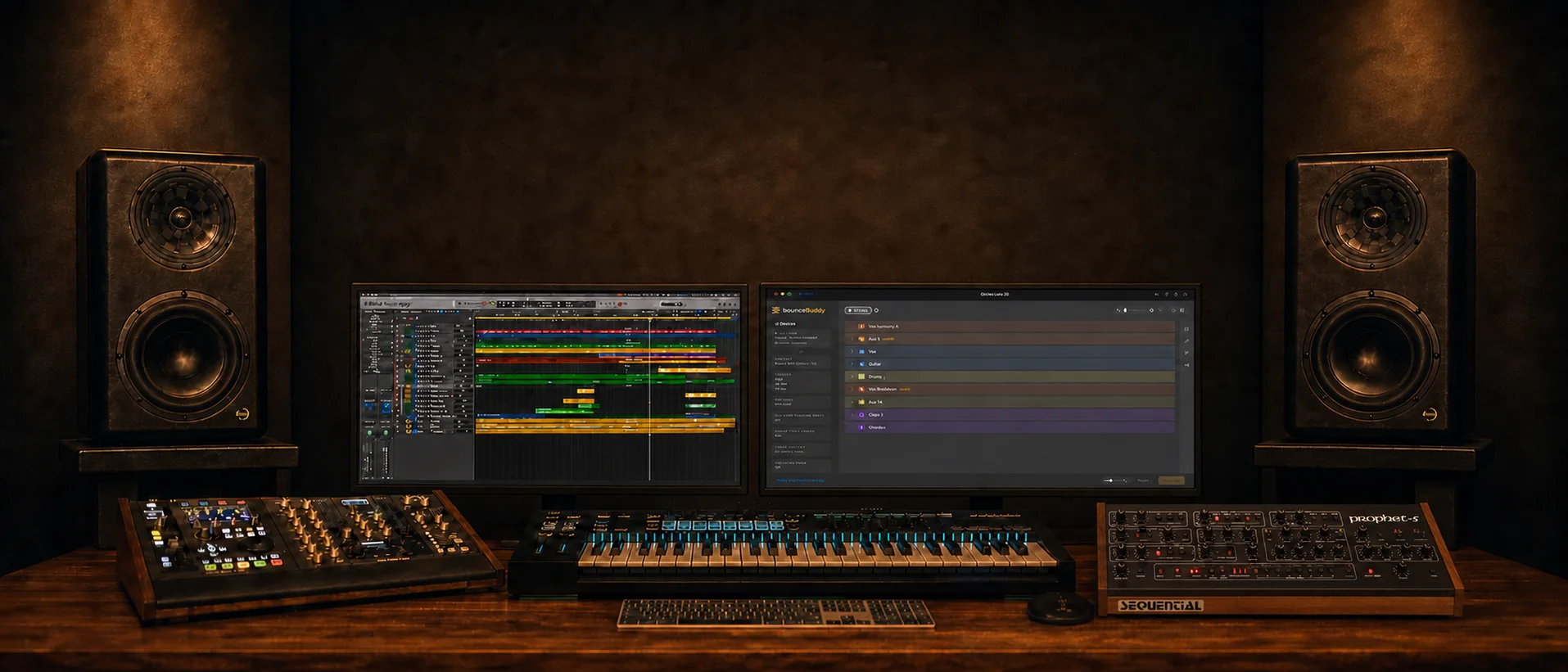
No templates, no setup, no tidy. macOS 14+ on Apple silicon.
Open your project. Hit Scan. Your stems appear.
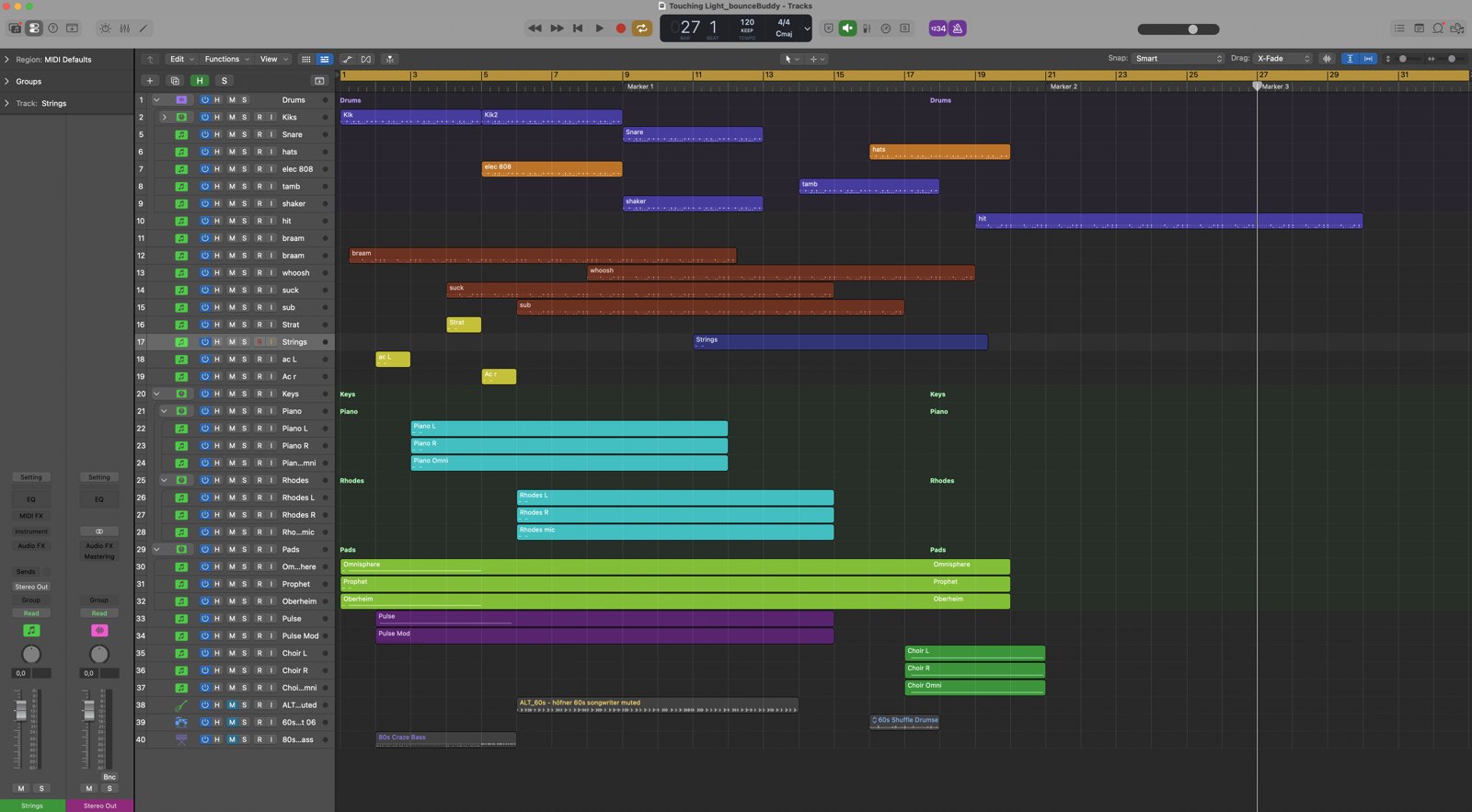
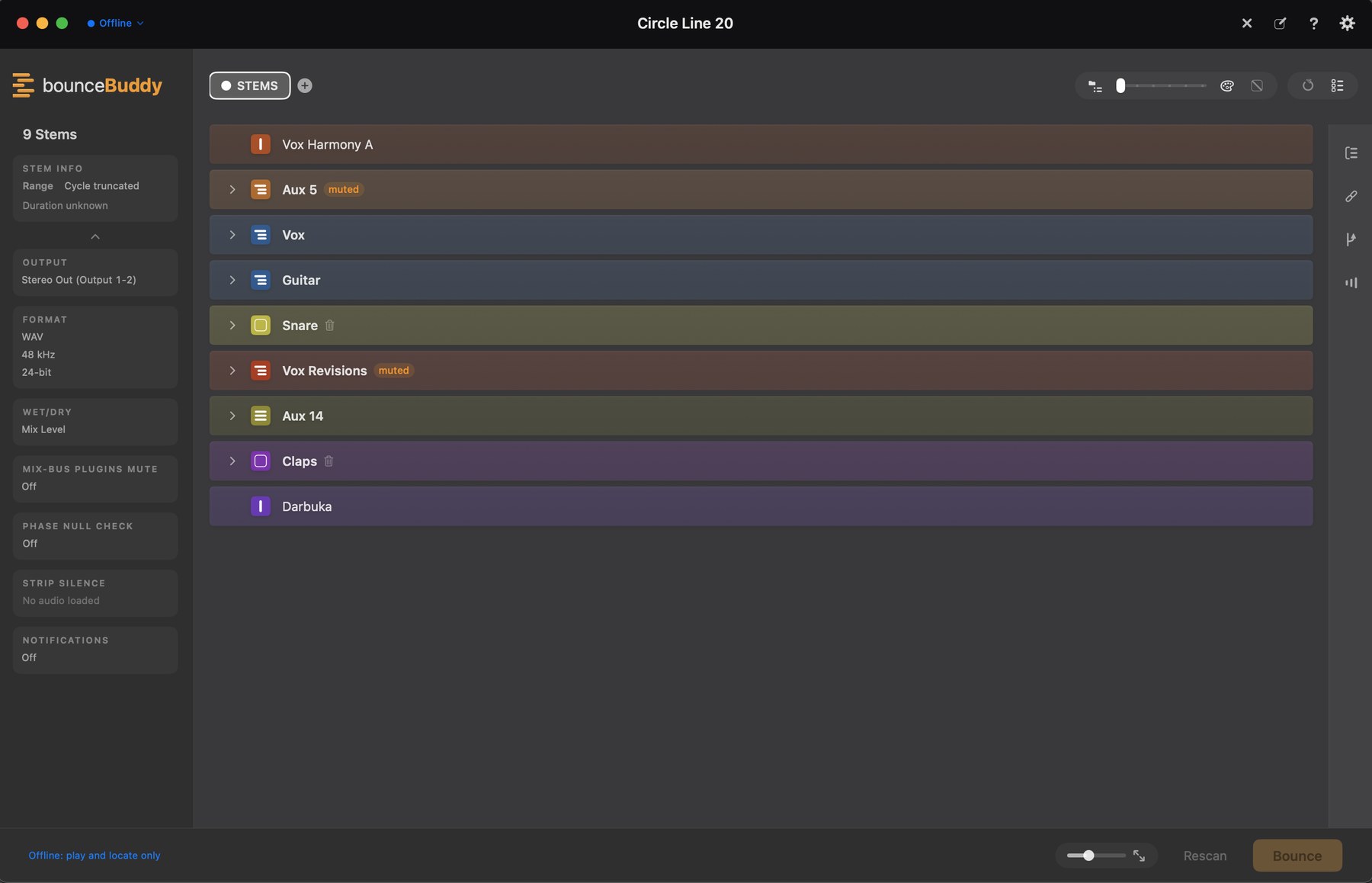
No templates. No naming conventions. No routing prep. No minimum track count, and no "you need at least one aux channel" rule either. Whatever your session looks like is fine. bounceBuddy works directly from Logic's project data, not flakey screen-walking, so it adapts to every session automatically: summing stacks, folders, bus groups, Logic groups, multi-out instruments, Drum Machine Designer kits, stereo pairs. Already colour-code your tracks? Your colour scheme becomes your stem list.
● LiveTouching Light⚙
bounceBuddy
CURRENT LOGIC PROJECT
Touching Light
Scan
Scanning Logic Project
Preparing project…
STEMS+
›Drums
›Kiks
›Snare
›(Bright Orange)
›tamb
›shaker
›PERC
›hit
›(Deep Red)
›braam
›whoosh
›suck
›sub
›(Bright Yellow)
›Strings
›Keys
›Piano
›Piano
›Piano Omnimono
›Rhodes
›Rhodes
›Rhodes micmono
›Pads
›Omnisphere
›Prophet
›Oberheim
›Pulse
›Choir
Stems sorted. Versions? One click each.
Full mix, Instrumental, TV mix, a capella. Every version keeps its own stem selection, FX choices and bounce range: whole project, cycle, any section or any individual marker, with different markers per version. Arm them all and they bounce in sequence.
STEMS+
RANGECycle / whole project⌄
Cycle / whole project
Marker · Marker 1
Marker · Marker 2
Marker · Marker 3
›DrumsExcluded
›PERCExcluded
›StringsExcluded
›LoopsExcluded
›PadsExcluded
›ChoirExcluded
The hard stuff
It understands routing other tools pretend doesn't exist.
Shared FX returns
Reverbs, delays and parallel buses are detected automatically. They print into the stems that use them, or mute for dry passes. Mix level, dry, or wet + dry pairs.
Every sidechain, alive
Pumping compressors and multiband duckers like Trackspacer and Soothe keep working during isolated bounces. Every track keeps its own feeder, not one kick for the whole mix, feeding the detector without printing into your stem.
Mix-bus control
The full output chain, visualised, with per-insert bypass. Print without the limiter, keep the glue compressor. Everything is restored after the bounce.
Nested sub-mixes
Buses feeding buses feeding stacks. Grouping resolves to the level you choose. The nesting slider dials density live, from a handful of stems to fully flat.
Online, offline and outboard
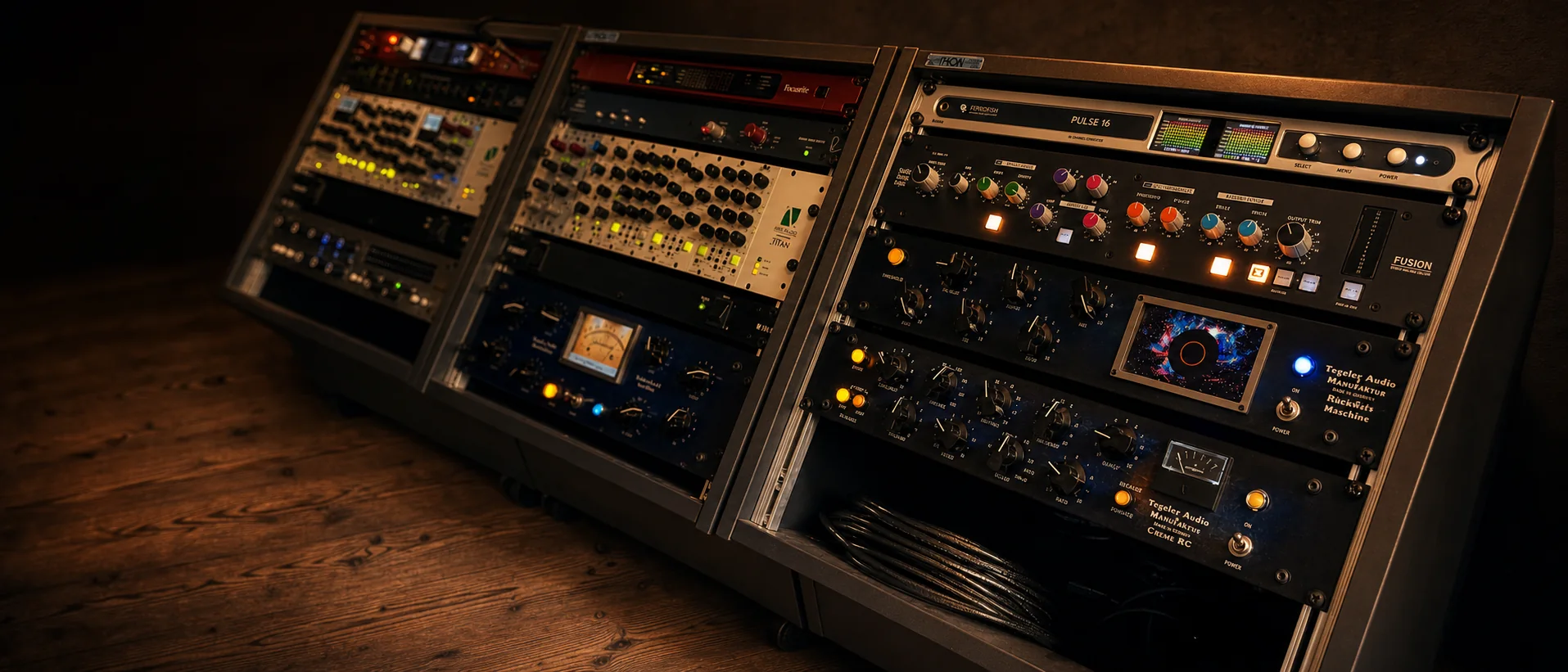
Automatic. Offline for speedy in-the-box bounces, online in real time so a hybrid rig's hardware inserts and analog chains print into every stem. No re-patching.
No project clean-up
Muted, disabled, hidden, empty and no-output tracks exclude themselves. Solos cleared, click silenced. Every run, automatically.
Your outboard prints into every stem. No re-patching, no manual passes.
Hear it, and verify it, before you send it.
Bounced stems and versions render right in the app. Waveforms in every row, zoom, solo or mute any stem, or hear them all as a mix, without touching Logic. Then they're summed and phase-cancelled against your full mix: silence is the receipt. Every stem reports its length, size, peak and RMS. Proof, not hope.
LiveDrum Bass Vocals⚙
0:00 / 0:17
STEMS
MSDrums0:18 sec5,1 MBP −10.7R −27.3Bouncing…
MSBass0:16 sec4,7 MBP −14.5R −29.7Bouncing…
MSVocals0:16 sec4,7 MBP −17.1R −33.9Bouncing…
Verifying BounceVerifying stems (phase-cancel)…
Rendering a full-mix reference and null-testing it against the summed stems. This is one extra bounce, so it can take a moment.
Stem bounce complete✕
Stems bounced3 of 3
PHASE-NULL CHECK
Verified−9.0 dBFS
Every stem is provably present and at the right level. The remaining difference is normal render variation, not a problem with your stems.
› Full analysis
−9 dB
3 stemsRescanBounceCancel Bounce
Every bounce is saved as a snapshot. Flip between Live and Bounced, replay any pass, jump straight to its files. Changed a track since your last scan? Hit Rescan. Nothing to rebuild, no quitting Logic.
Watch it work
The whole thing, start to finish. Setup, scan, bounce.
Full walkthrough · 15 min
Start the bounce, leave the desk.
The iOS app is included.
Your bounce doesn't need you at the desk. The bounceBuddy iOS app comes with the Mac app. Pair it once and your session is in your pocket.
Remotely scan, group and bounce. Start a stem pass from the sofa, the kitchen, or the live room.
Review before you send. Audition every stem and version, check the phase-null verdict, and see exactly what bounced.
Anywhere, over your own cloud. The mix, stems and versions ride your iCloud, so they play on cellular with the Mac asleep. Add your own storage bucket and the phone shares the full-quality zip as an expiring link, with nothing to upload.
Or just get notified. Let the desktop do the work and get a push notification the moment your stems land, phase-null check included.
21:57
Pair with your Mac
On the Mac, open bounceBuddy → Settings and click Show QR. Then scan it here.
Scan the codeEnter the key by hand
Listen from anywhereThe latest mix, from your iCloud
Load a kept bounce1 saved on this phone, no Mac needed
Scan pairing codeCancel
On the Mac: Settings → Allow remote control → Show QR
Paired with Michael’s Mac Studio
bounceBuddy·Drum Bass Vocals⋯
StemsFull mixVersion 2
4 Stems ⌄
Drums0:17
Bass0:17
Vocals0:17
Reindeer Snort0:17
Verifying BouncePhase-cancel check · summing stems…Rendering a full-mix reference and null-testing it against the summed stems.
Bounce complete✕
Verified−8.7 dBFS
› Full analysis
Live4 StemsRescanBounceCancel
bounceBuddyDrum Bass VocalsStemsFull mixVersion 2
DrumsMS
BassMS
VocalsMS
Reindeer SnortMS
Version 2VERSIONMS
Full mixVERSIONMS
0:000:17
Made by someone who bounces stems every week.
Who made this
Built by a composer who got tired of losing Saturdays.
I'm Michael Edwards, a working composer and producer: film, TV, advertising, records. Close to 20 years in Logic, and the same job at the end of every mix: the client asks for stems, and two hours disappear into cleaning the session, grouping, soloing, muting limiters, dodging sidechains and hidden tracks, then starting again after one mistake. So I built the thing I wanted.